How to Integrate Generative AI With Your Video Production Workflow (Easy Guide for Content Creators)
- Scott Hannon
- Jan 27
- 5 min read

Picture this: It's 11 PM, you're staring at a blank timeline, and tomorrow's deadline is breathing down your neck. You've got the creative vision, that part's clear as day. But the hours of tedious tasks between here and finished video? That's where things get murky.
Here's the thing: generative AI isn't here to steal your creative thunder. It's here to handle the grunt work so you can focus on what actually matters, telling stories that connect.
If you've been curious about weaving AI into your video production workflow but don't know where to start, you're in the right place. Let's break this down phase by phase, tool by tool, so you can streamline marketing with AI without losing your creative soul.
Why AI Is Your New Creative Partner (Not Your Replacement)
Before we dive into the how, let's address the elephant in the room. Will AI replace video creators? Spoiler alert: No.
Think of generative AI as the world's most efficient assistant. It can brainstorm ideas, generate rough drafts, automate captions, and even create placeholder footage. But it can't feel the emotional beat of your story. It doesn't know why that particular cut makes your audience tear up.
The magic happens when you combine AI's speed with your human intuition. That's the sweet spot for video production for creatives, and honestly, it's a game-changer.

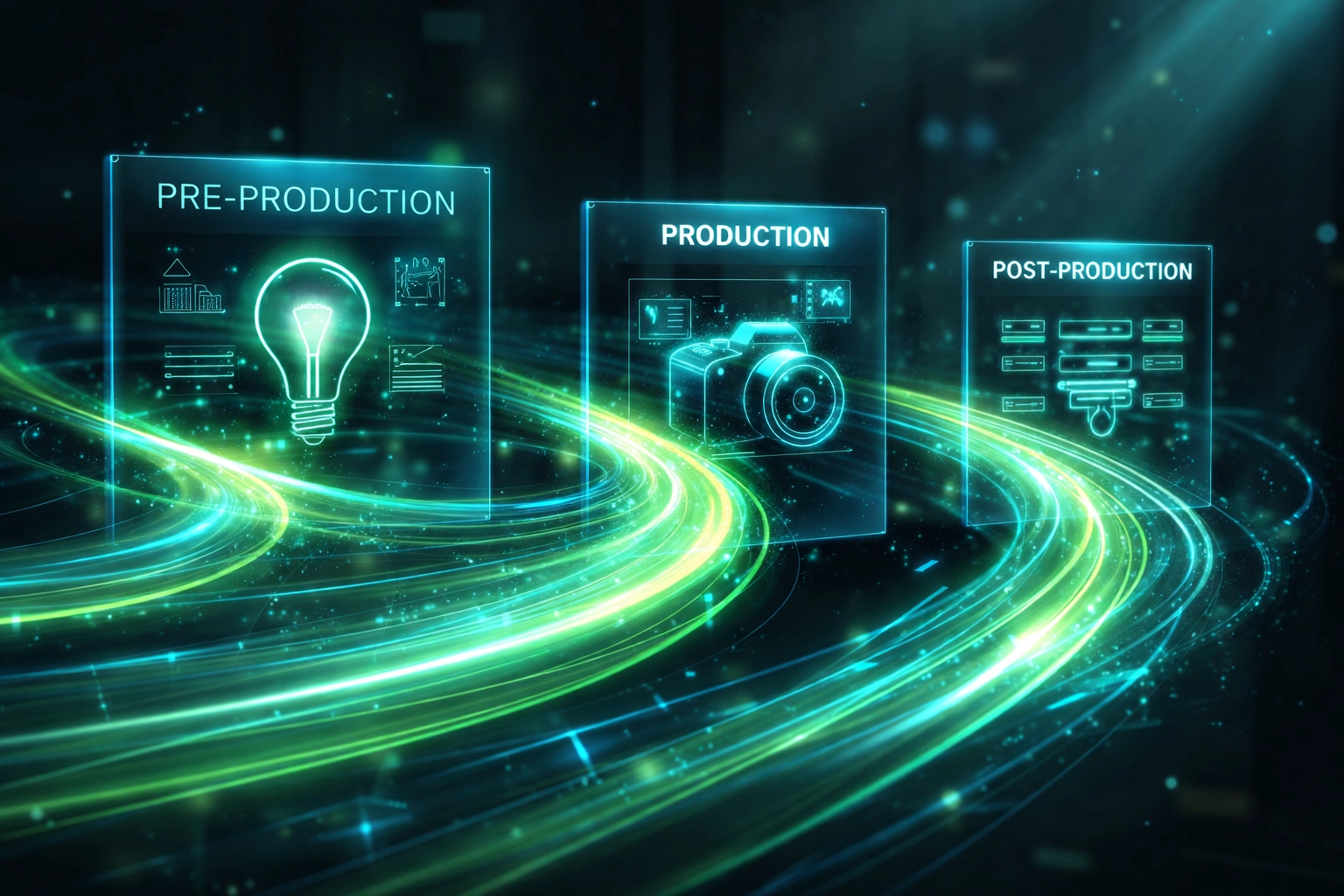
Phase One: Pre-Production Gets a Serious Upgrade
Pre-production is where your project lives or dies. And this is exactly where AI can save you hours of spinning your wheels.
Brainstorming and Concept Development
Stuck on ideas? Large language models like ChatGPT or Claude can help you brainstorm video concepts, develop shot lists, and even flesh out creative briefs. Instead of staring at a blank page, you're riffing with a tool that never runs out of suggestions.
Pro tip: The more specific your prompt, the better your output. Instead of asking for "ideas for a product video," try something like: "Give me five creative concepts for a 60-second product video targeting small business owners who value authenticity over polish."
Scriptwriting Made Faster
Writing scripts can be a slog, especially when you're juggling client revisions, SEO keywords, and your own creative standards. AI tools can generate first drafts, help you tighten dialogue, or even suggest alternative phrasings that hit harder.
Here's the thing: you're still the editor. AI gives you clay to mold, not a finished sculpture.
Storyboarding Without the Headache
Tools like Runway and even image generators can help you visualize scenes before you ever pick up a camera. Need a quick mockup of "a Siamese cat stretching on a velvet couch in warm sunlight"? AI can generate that reference image in seconds, giving your team (or your client) a clearer picture of the vision.
Phase Two: Production, Where AI Meets the Real World
Alright, cameras are rolling. This is traditionally the most human-intensive phase, but AI still has a role to play.
AI-Generated B-Roll and Assets
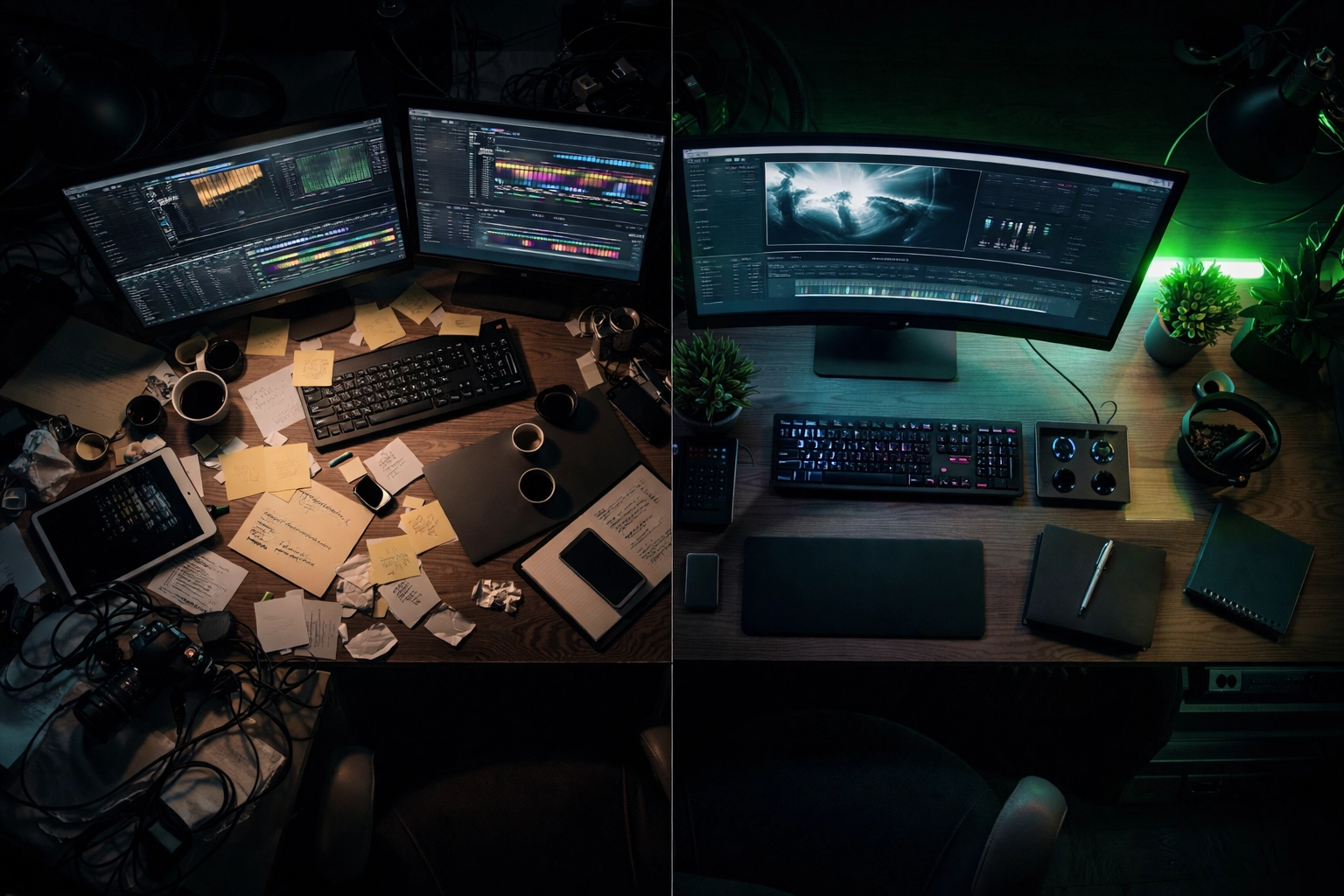
Let's be real: not every project has the budget for a full-day shoot with three locations and a drone. Generative video tools like OpenAI's Sora and RunwayML's Gen-4 can create entirely new footage from text prompts. Need a sweeping shot of a cityscape at golden hour? You can generate it.
Now, is AI-generated footage going to replace your hero shots? Probably not. But for supplemental b-roll, transitions, or abstract visuals? It's a lifesaver.
Avatar-Based Content for Scale
Platforms like Synthesia and HeyGen let you create talking-head videos using AI avatars. This is huge for media solutions for content creators who need to produce consistent content across multiple languages or platforms without filming every single time.
Imagine creating a training video once, then generating localized versions in Spanish, French, and German: with lip-synced avatars: in an afternoon. That's not science fiction anymore.
Voiceovers That Don't Sound Robotic
Gone are the days of stilted, obviously-AI voices. Tools like ElevenLabs and Play.ht produce natural-sounding voiceovers that can match your brand's tone. Perfect for explainer videos, tutorials, or any project where hiring voice talent isn't in the budget.
Phase Three: Post-Production Is Where the Magic Happens
Here's where generative AI really flexes. Post-production is full of repetitive, time-consuming tasks: and AI eats those for breakfast.
Automated Captioning and Transcription
Adding captions used to mean hours of manual typing. Now? YouTube's built-in tools, Descript, and other AI-powered platforms can transcribe and caption your videos in minutes. You'll still want to review for accuracy (AI isn't perfect with names or industry jargon), but the heavy lifting is done.
Color Correction and Grading
Tools like Colorlab AI can analyze your footage and suggest color grades that match a specific mood or reference image. It's like having a colorist on call 24/7: minus the day rate.
Music That Fits (Without the Licensing Nightmare)
Need an original soundtrack but don't have composer connections? AI music generators like AIVA, Suno, and Stableaudio can create royalty-free tracks tailored to your video's vibe. Specify "upbeat corporate" or "moody cinematic," and you've got options in minutes.
Smart Editing Assistants
Adobe is integrating AI (via Firefly) directly into Premiere Pro, making it easier than ever to generate b-roll, clean up images, and speed through edits without switching between a dozen apps. The goal? Keep you in your creative flow instead of hunting for workarounds.
Best Practices: Making AI Work For You
Integrating generative AI into your workflow isn't just about downloading a bunch of tools. It's about being intentional. Here's how to do it right:
Start with free trials. Most AI platforms offer free tiers or trial periods. Test before you commit. Sora, Invideo AI, and Runway all let you experiment without swiping your credit card first.
Master prompt engineering. Honestly, the quality of your AI output is directly tied to the quality of your input. Vague prompts get vague results. Be specific, be detailed, and don't be afraid to iterate.
Integrate, don't isolate. The best workflows connect AI tools with your existing editing platforms. If you're constantly exporting, importing, and converting files, you're losing the efficiency gains AI is supposed to provide.
Measure what matters. Track your production time, engagement rates, and cost savings. AI consulting for small business often starts with understanding where AI actually moves the needle: and where it doesn't.
Stay ethical. If you're creating content for clients, platforms, or public distribution, be mindful of data protection, consent, and content integrity. AI is powerful, but it comes with responsibility.
Ready to Build Your Custom AI-Powered Workflow?
Here's the truth: every creator's workflow is different. Your gear, your style, your audience: it all factors in. There's no one-size-fits-all solution, but there is a way to build a system that works specifically for you.
At EchoCraft Media, we specialize in helping content creators and small businesses integrate generative AI marketing tools without losing what makes their work theirs. We're not here to automate your creativity: we're here to amplify it.
If you're ready to streamline your video production, save hours every week, and finally get off the content hamster wheel, let's talk. Book a discovery call or schedule an AI consulting session, and we'll map out a workflow built around your goals.
Because the future of video production isn't about choosing between speed and story. It's about having both.


Comments